How it works
Stills
One pass over the video measuring motion and sharpness per frame. A run of low-motion frames is a spread being held still. The sharpest few frames of each run are saved, rotated upright.
OCR
Every still goes through RapidOCR locally, on the CPU. The gutter between pages is found as a dark valley, and each page's lines are clustered into columns and put in reading order.
Figures
Photographs are found as large dark or halftone blocks, cut out of the best still, and deskewed with a perspective warp. A second pass catches framed line drawings and maps.
Reconcile
Stills of the same spread are grouped. Claude gets the best three photos plus each one's OCR, fixes the misreads, and fills what a hand or a page curl hid in one frame from another.
rifflescan run scan.MOV --title "Matches"
# work/book.md and work/figures/ when it finishes
One page, in and out
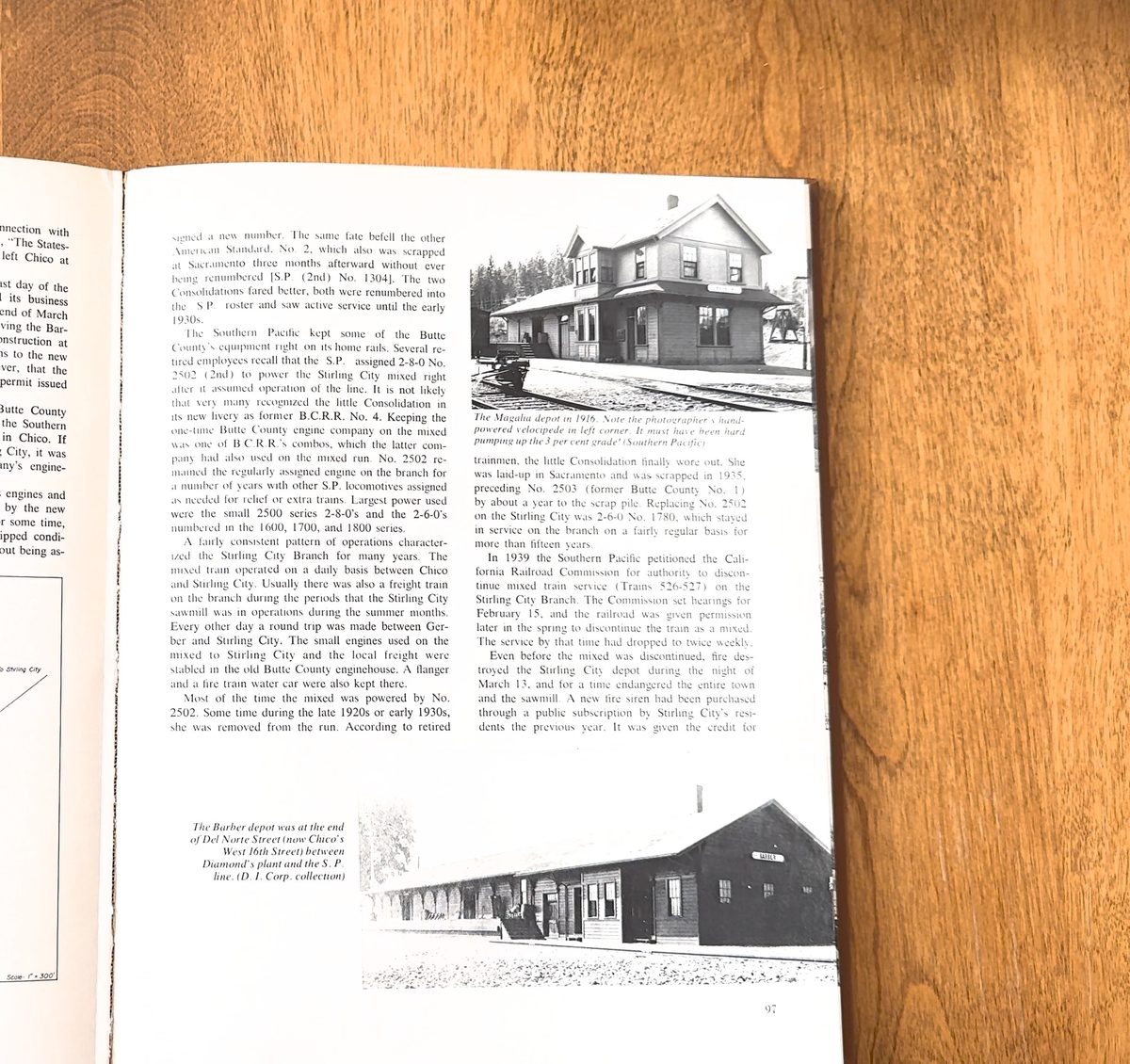
The Southern Pacific kept some of the Butte County's equipment right on its home rails. Several retired employees recall that the S.P. assigned 2-8-0 No. 2502 (2nd) to power the Stirling City mixed right after it assumed operation of the line. It is not likely that very many recognized the little Consolidation in its new livery as former B.C.R.R. No. 4. …

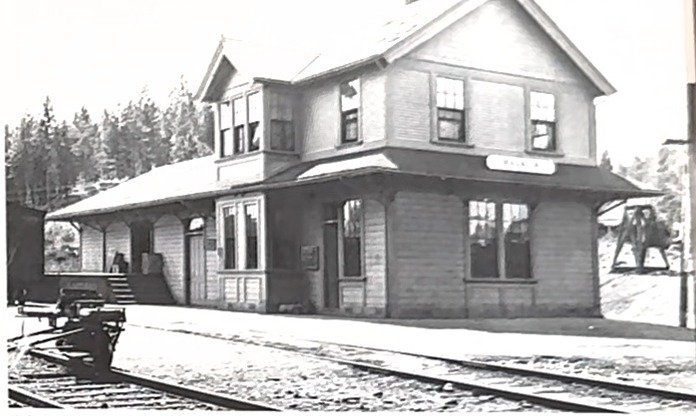
The Magalia depot in 1916. Note the photographer's hand-powered velocipede in left corner. It must have been hard pumping up the 3 per cent grade! (Southern Pacific)
Results so far
Two test videos of the same book, a railroad history, filmed at different settings. The number that matters is how many words came back marked illegible.
| Video | Spreads | Words | Illegible per 1,000 |
|---|---|---|---|
| 1080p, window glare | 13 | 7,800 | 17 |
| 4K, light from the side | 7 | 5,000 | 1.2 |
Resolution was the lever. At 4K, body type is about 16 pixels high and the local OCR is confident enough that Claude has little left to repair. The rest of the loss was glare on the inner column of the left page, which no software step can recover.
Shooting the book
- Record in 4K. iPhones default to 1080p. Change it under Settings, Camera, Record Video.
- Light behind or beside the camera. A window in front of you reflects off the page nearest it and washes out a column.
- Hold each spread a full second. Rest the phone on something if you can. The still detector needs a quiet moment per spread.
- Flatten the gutter. Press the book open with a thumb at the bottom of the spread. Text near the binding is what suffers most.
Where it stands
Rifflescan is a working command-line tool in early development, tested on two books so far. It runs on a Mac or Linux machine with Python and needs no GPU. The reconcile step talks to Claude through the Claude Code CLI on a subscription, or through the Anthropic API with a key.
The source will be published here when it is ready for other people's books.